
Shipped
iPhone photos work in every upload
An iPhone saves photos as HEIC, which most browsers cannot open. Every place you add a photo now turns one into a JPEG the moment you choose it.
October 1, 2026 · 1.35.1
What was reported
An invoice photographed on an iPhone could not be captured. The invoice tool said it could not read the image, and the only way through was to convert the photo somewhere else and start again. An iPhone saves its photos as HEIC unless it is set to save the most compatible format, and of the major browsers only Safari can open one. Chrome, Edge and Firefox cannot, on a phone or on a computer.
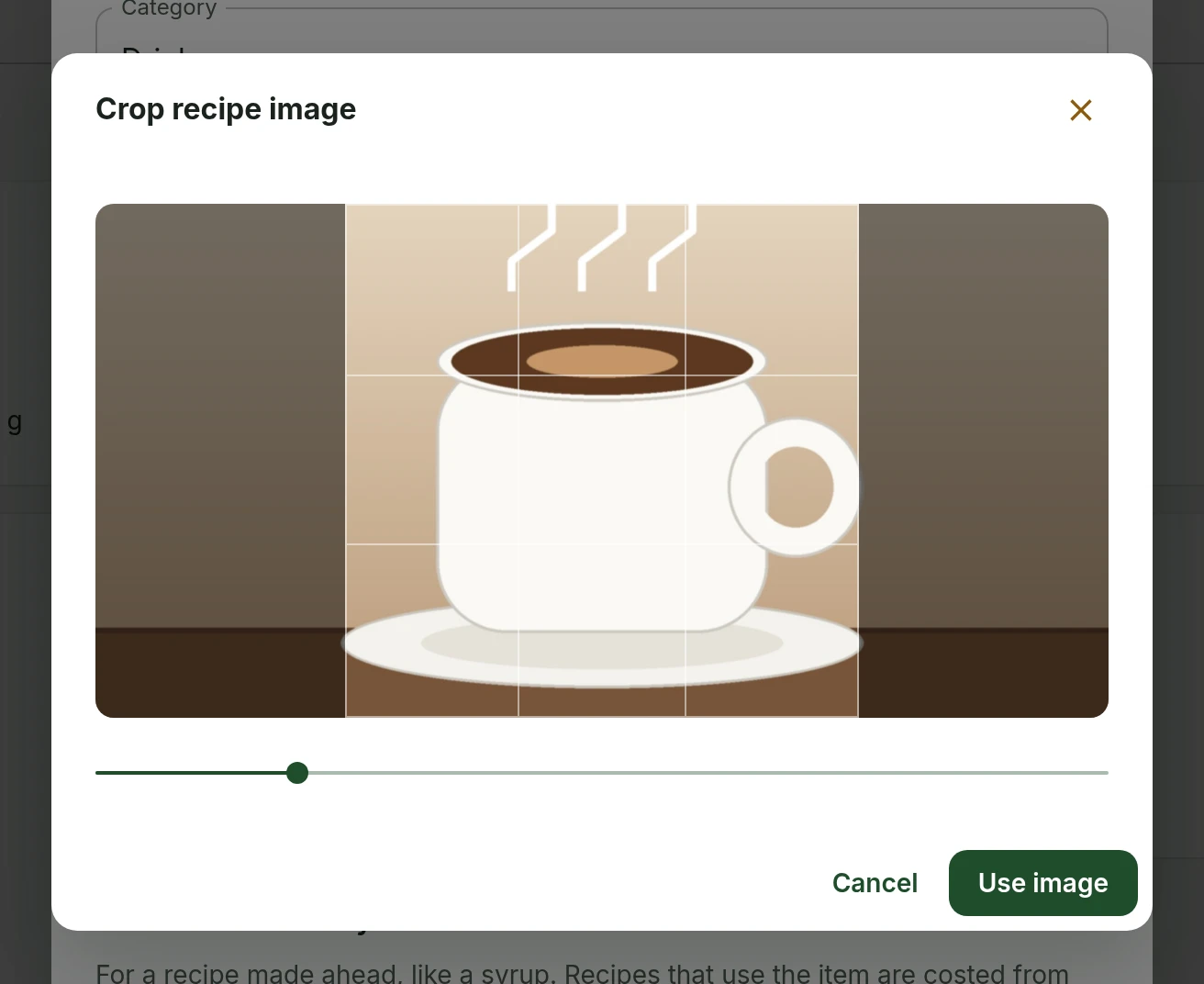
The same photo would have failed in other places too. The recipe photo and the handbook icon could not crop it, and a checklist photo or a feedback screenshot was saved in a format most of your team could not see.
Where photos are converted
Every place you add a photo now checks it as soon as you choose it, and turns a HEIC into a JPEG in your browser before it is previewed, cropped or uploaded. What gets saved opens on any device, for anyone on your team. A photo in any other format is left exactly as it was.
- Invoices and receipts, including the receipt attached to a shopping trip
- Recipe photos and photos on checklist items
- Images in the library and the handbook icon
- The spotlight photo on the dashboard
- Screenshots on a feedback report
How long it takes
Safari opens a HEIC by itself, so on an iPhone or a Mac nothing extra happens. Other browsers fetch a converter the first time they meet one, which takes a moment, and the page shows it is preparing the photo while it works. Nobody downloads the converter until they choose a HEIC, so the app itself loads as it did before.
Large and sideways photos
A converted photo keeps up to 4096 pixels on its long side, which is plenty for an invoice and keeps the upload quick. A photo taken sideways comes out the right way up, and one stored in tiles, as an iPhone stores its photos, comes out whole. If a photo still cannot be opened, the message says so and asks for a JPEG instead.
What people asked for
- Reported that an invoice photographed on an iPhone could not be captured.
Suppliers and invoicesStandards and recipesChecklistsPlatform
Tell us what to fix next
Everything on this page started with somebody saying something was awkward. Questions count, and so does telling us a thing is harder than it should be.