
Shipped
Setting up and checking storage areas
Make a location or storage area without leaving an item, fill an area by tapping items across, and check one storage area at a time.
October 11, 2026 · 1.55.0
What was missing
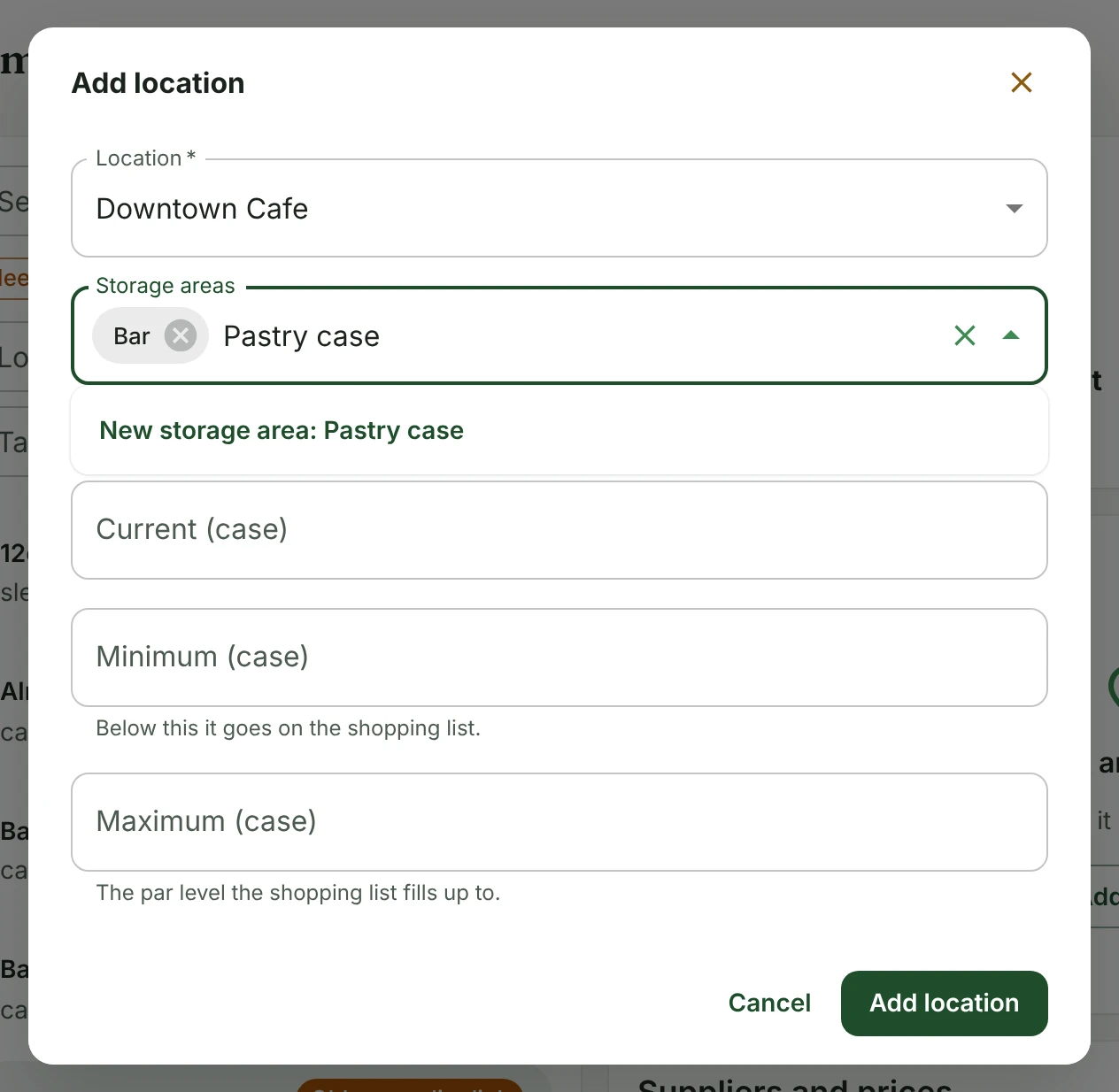
Saying where an item is kept only offered the locations and storage areas that already existed. A new one meant leaving the item for the Locations page and coming back. A location with no storage areas left the field greyed out with nothing to do. On the Locations page itself, the storage areas sat under the whole stock table, so they were easy to miss.
Making them from the item
The Location list on an item's Where it is kept now ends with New location. It opens a short sheet, and the location it makes is chosen straight away. Storage areas works the same way: type a name that is not there yet and pick New storage area, and it is made at that location and the item goes in it.
A name like Walk-in or Back room is usually a spot inside a shop rather than a shop of its own. When one is typed as a new location, the sheet says so and offers to add it to the chosen location as a storage area instead.
An item can also be taken off a location from the same sheet now. Before, that was only on the Locations page.
The new Locations page layout
Each location in the list names its storage areas. With more than one location, tapping one chooses it, and its storage areas follow straight under the list, with its stock after them. The two location pickers further down the page are gone. On a phone the stock is a card per item, with its actions in reach instead of off the side of a table.
Filling a storage area
Opening an area shows two lists: what is in it, and everything else stocked at that location. Tap an item to move it across, either way. The second list can be searched, or narrowed to the items in no area yet, and what it shows can be added in one go. Each item says which other areas it is in, since one item can be kept in more than one spot.
Checking one area at a time
At a location with storage areas, the inventory check has a chip for each one with how many items there are due. Choose one and the list and the guided check cover only that spot, so whoever is standing in the walk-in can count the walk-in. Every item in the list says which area it is in.
The guided check already walked the areas in order. Items in no area now come at the end grouped by their first tag, the way the check walked before there were areas.
Inventory
Tell us what to fix next
Everything on this page started with somebody saying something was awkward. Questions count, and so does telling us a thing is harder than it should be.